

Getting started
Introduction
Start from a template and build a static blog with Markdown and MDX.
Astro Solitude is a ready-to-use blog template with posts, categories, tags, pages, search, and comment integrations.
Related guides
Installation
Clone the template, install dependencies, and open the demo locally.
First run
Set your site identity, publish a first post, and check the build.
Theme preview
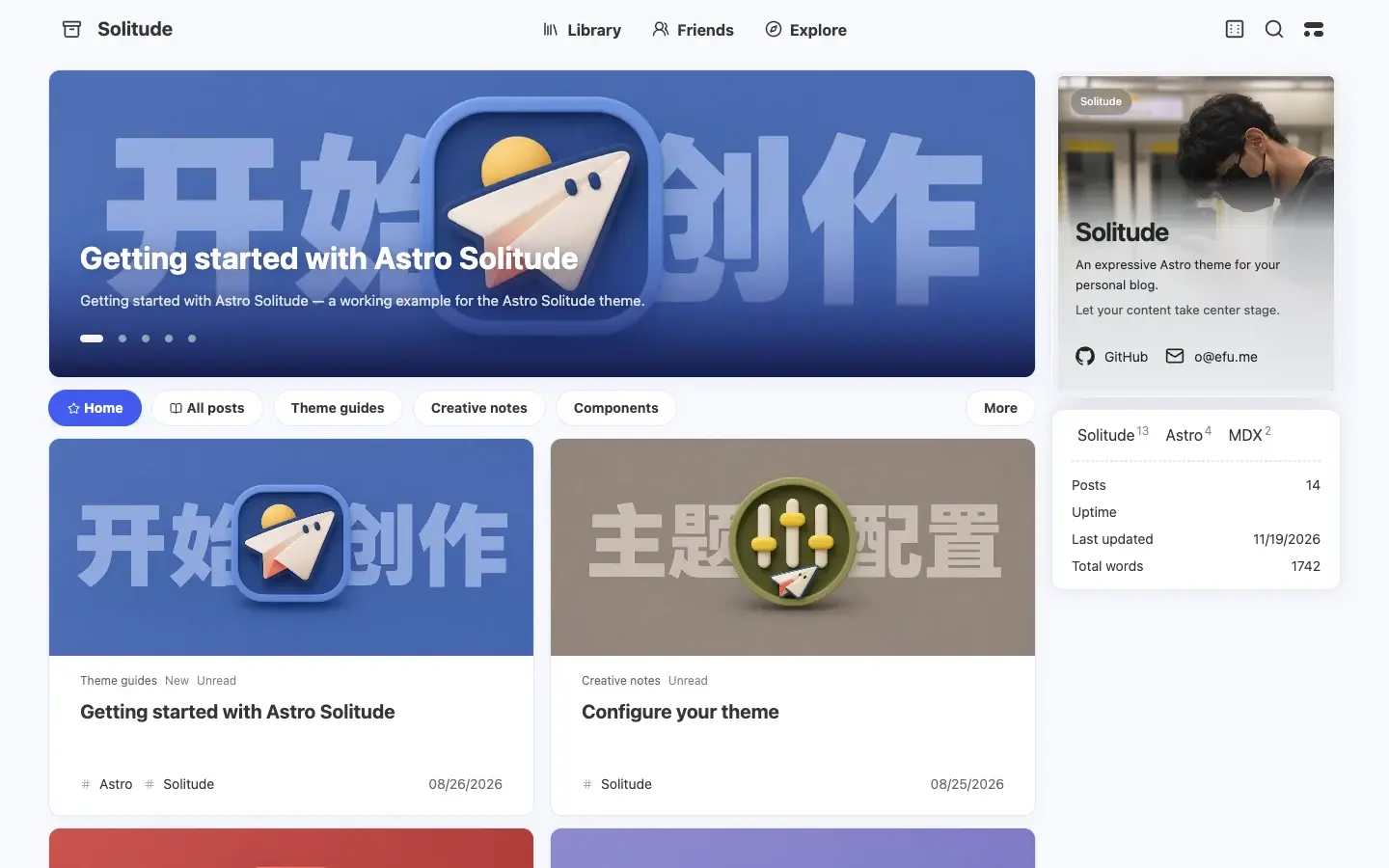
The homepage brings featured posts, category navigation, and the article feed into one view. Visit the Astro demo
Start here
- Create your own template repository and install dependencies.
- Edit
src/site.config.tsand replace the sample identity and content. - Write in
src/content/posts/, build, and publishdist/.
File locations
| Content | Location |
|---|---|
| Site and theme configuration | src/site.config.ts |
| Posts / custom pages | src/content/posts/ / src/content/pages/ |
| About, friends, equipment, updates | src/data/ |
| Images and media | public/ |
| Custom styles | src/styles/custom.css |
Use the theme as a complete project. It is not an npm theme package for an existing Astro application.